



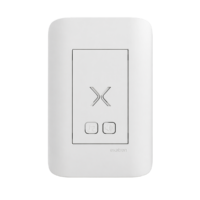




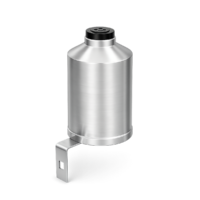







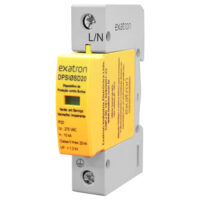
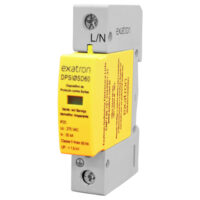


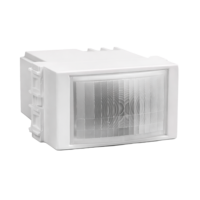



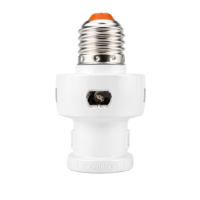
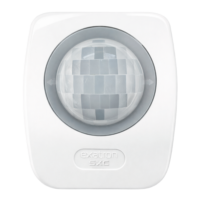





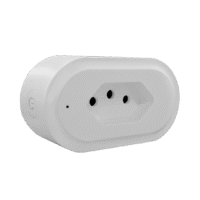


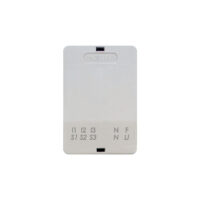








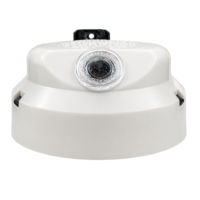

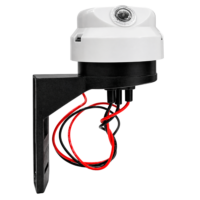
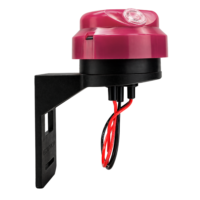
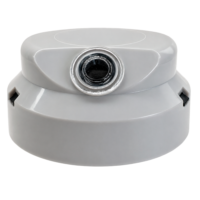



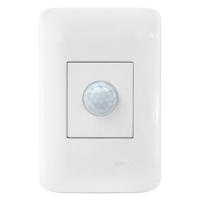
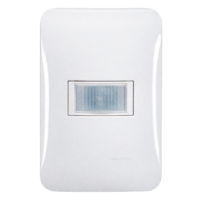
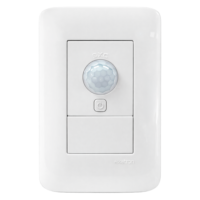
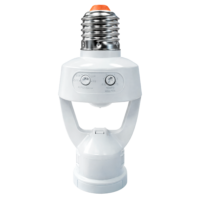


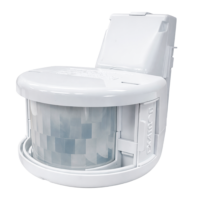
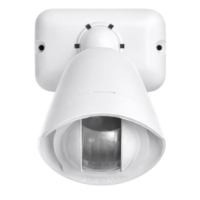

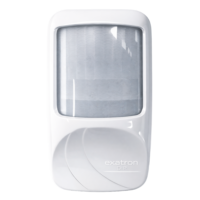






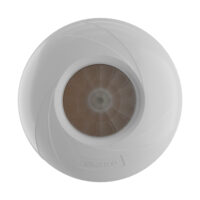


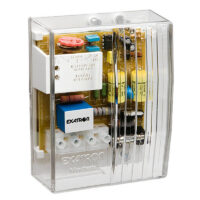


Exatron's presence sensors are practical and intelligent solutions for making environments safer and more economical. With proper electrical installation, you ensure the device functions fully, preventing malfunctions or risks.
In this guide, you will learn how to install Exatron presence sensors In a simple and safe way. Remember: if in doubt, always consult a qualified electrician.
Why use Exatron presence sensors?
Installing an Exatron presence sensor is synonymous with:
- Energy saving (up to 75% at the commanded point)
- Enhanced security indoors and outdoors
- Practicality in the automatic activation of lighting.
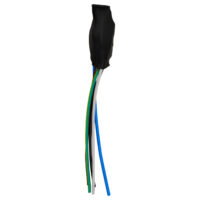
Exatron sensors are dual voltage and follow a standard three-wire installation:
- Phaseblack or brown thread
- Loadred thread
- Neutralwhite or blue thread
All models come with factory default settingReady for immediate use.
Where can I find the manual and wiring diagram?
You can find all the technical manuals of the presence sensors in site from Exatron. Among the information they contain are:
- Wiring diagrams for each model
- Maximum power ratings by load type (always check the table before connecting the load)
- Installation recommendations to avoid interference.
Wiring diagrams for Exatron Presence Sensors
1) Sensor with a load
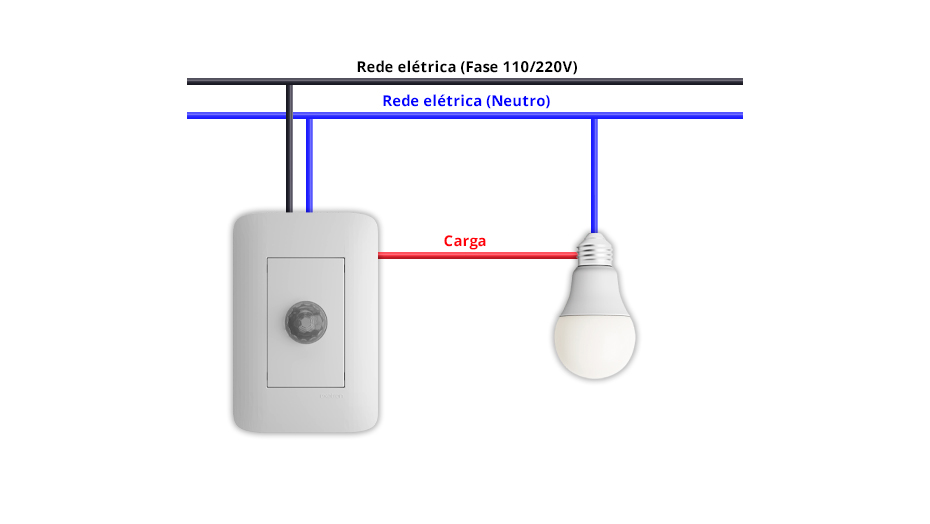
Connections:
- Neutral (white or blue): Connect the neutral wires of the sensor and the load to the neutral wire of the mains supply.
- Phase (black or brown): Connect the sensor phase to the mains voltage (110/220V).
- Load (red): Connect the load to the sensor.
For examples “B” and “C” a Maximum drive power should not be added together.Please refer to the power rating table indicated in the product manual.
2) Two sensors in parallel with a load
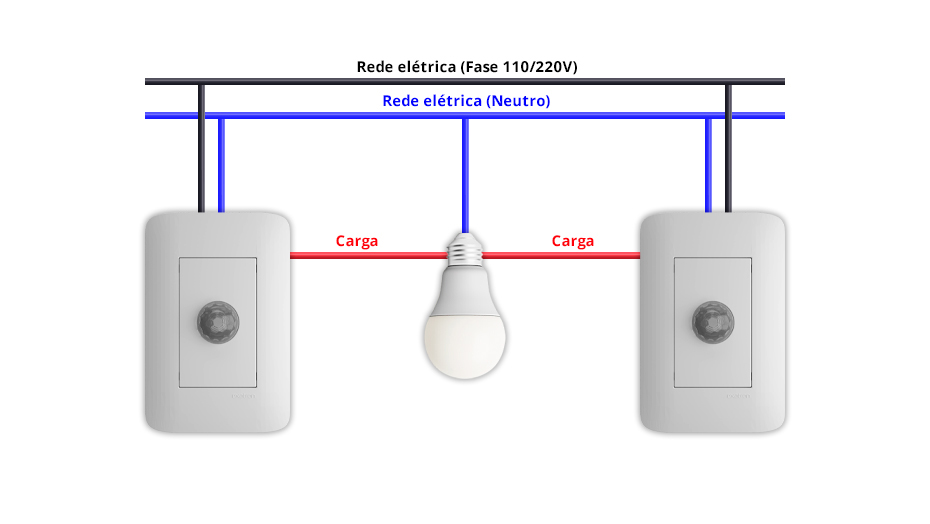
Connections:
- Neutral: Both sensors and the controlled load are connected to the neutral wire of the network.
- Phase: both sensors connected to the same phase of the network
- Load: wires connected in parallel to the load
3) Two sensors in parallel with multiple loads
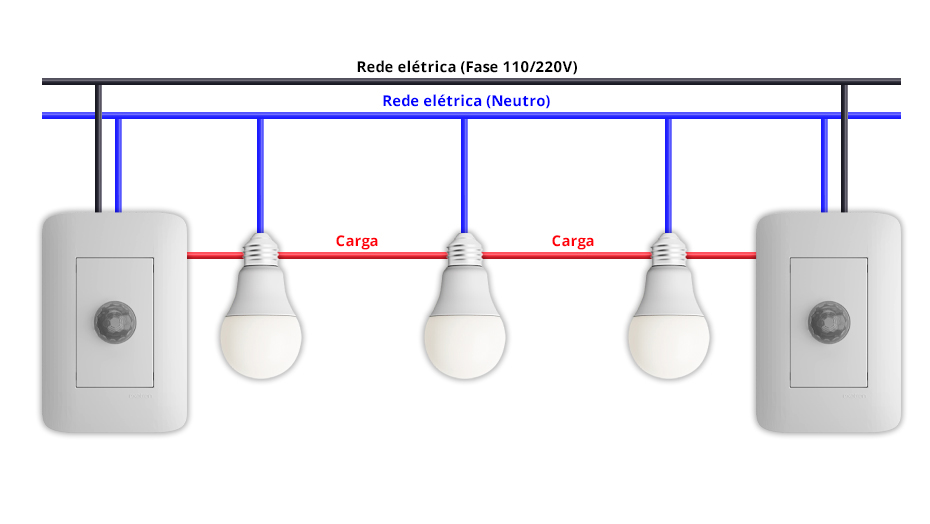
Connections:
- Neutral: Both sensors are connected to the neutral wire of the network, as is each of the loads.
- Phase: both sensors connected to the same phase of the network
- Load: wires connected in parallel to the controlled loads
4) Exatron sensor with contactor for larger loads
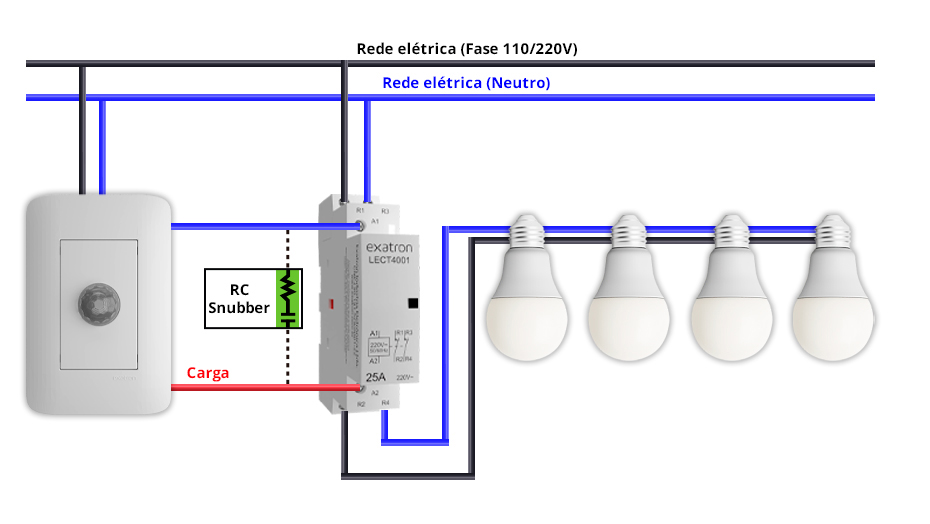
Presence sensor:
- Neutral: Connect to the neutral wire of the network + input A1 of the contactor.
- Phase: connect to the network phase
- Load: Connect to input A2 of the contactor.
Contact:
- Neutral: Connect to the neutral wire of the network at input 3.
- Phase: connect to the network phase
Loads in parallel:
- Phase: Connect to input 2 of the contactor.
- Neutral: Connect to input 4 of the contactor.
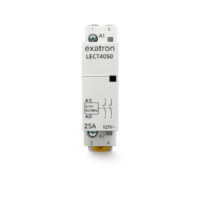
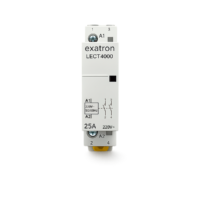
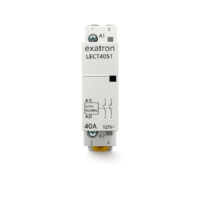
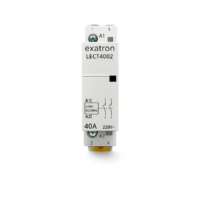
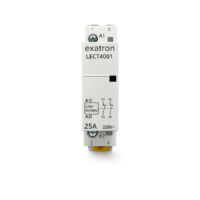
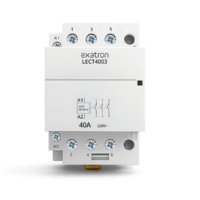
Warning: Use a Exatron contactor for loads exceeding the sensor's capacity. Use a RC circuit (Snubber) to avoid transients.
Final tips for a safe installation.
- Never perform any electrical installation with the power supply energized.
- Read the manual specific to the model you purchased.
- Do not exceed the maximum drive power
- Check that the wires are properly connected and insulated.
- If in doubt, consult an electrician.
Installing Exatron presence sensors is a simple process when done carefully following the technical guidelines. In addition to cost savings and security, you have different models available for installation on ceilings, walls, furniture, and other strategic points.
Now that you've learned how to install the electrical wiring for Exatron presence sensors, the leading brand in presence sensor sales in Brazil, take the opportunity to learn more. our complete lineIf you wish to sell Exatron products, please contact one of our representatives. representative Or contact us at 0800 541 3310.
Keep following the Exatron blog for more tips on installing and configuring smart sensors.